My Claude Meetup Talk: How My Bots Ring Claude Code’s Doorbell

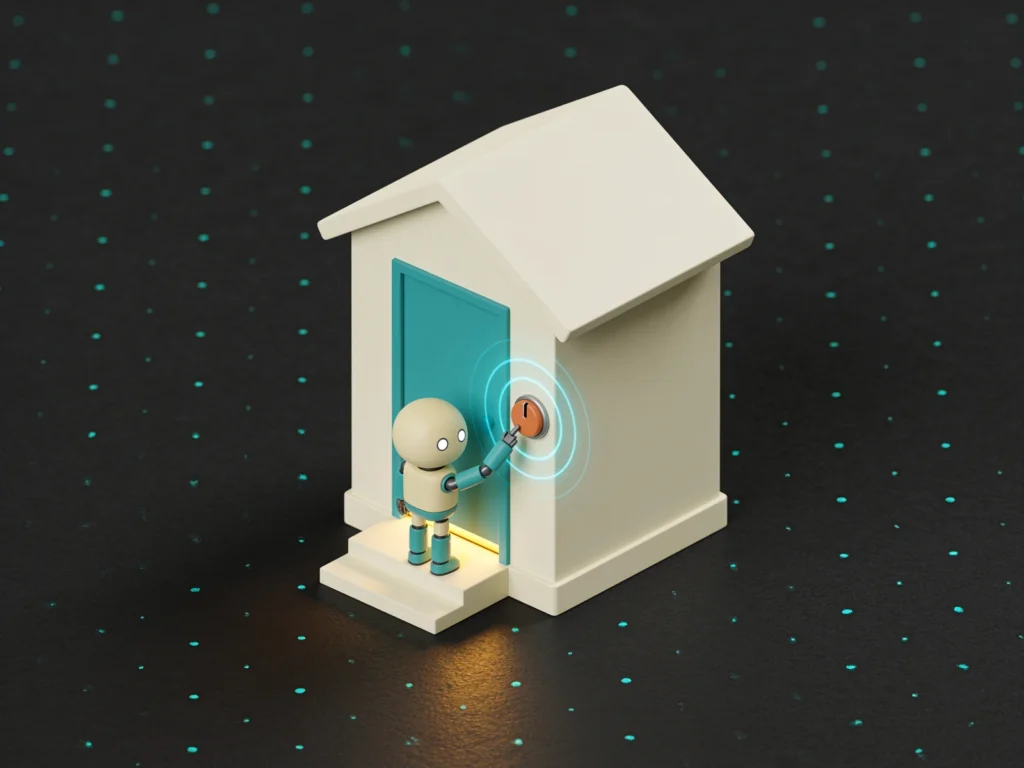
I gave a talk at the Claude User Meetup in Pasadena on October 28 about how my AI agents message my Claude Code sessions, and the slides are right below.
Picture a nerd standing in a room, explaining that his bots have bots. Yes, I know how that sounds. The deck itself was made in Claude, which feels like the correct amount of recursion for the topic.
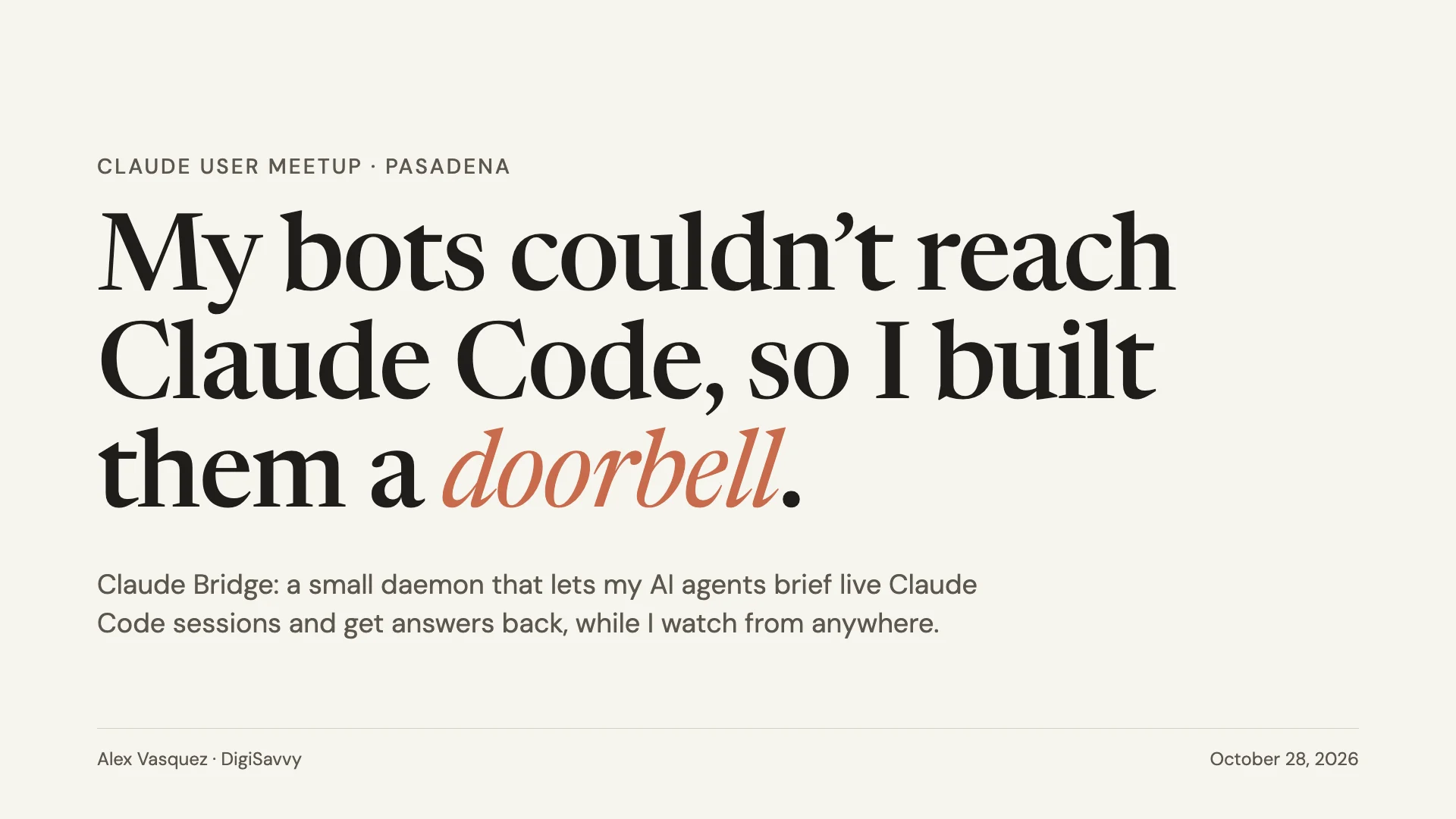
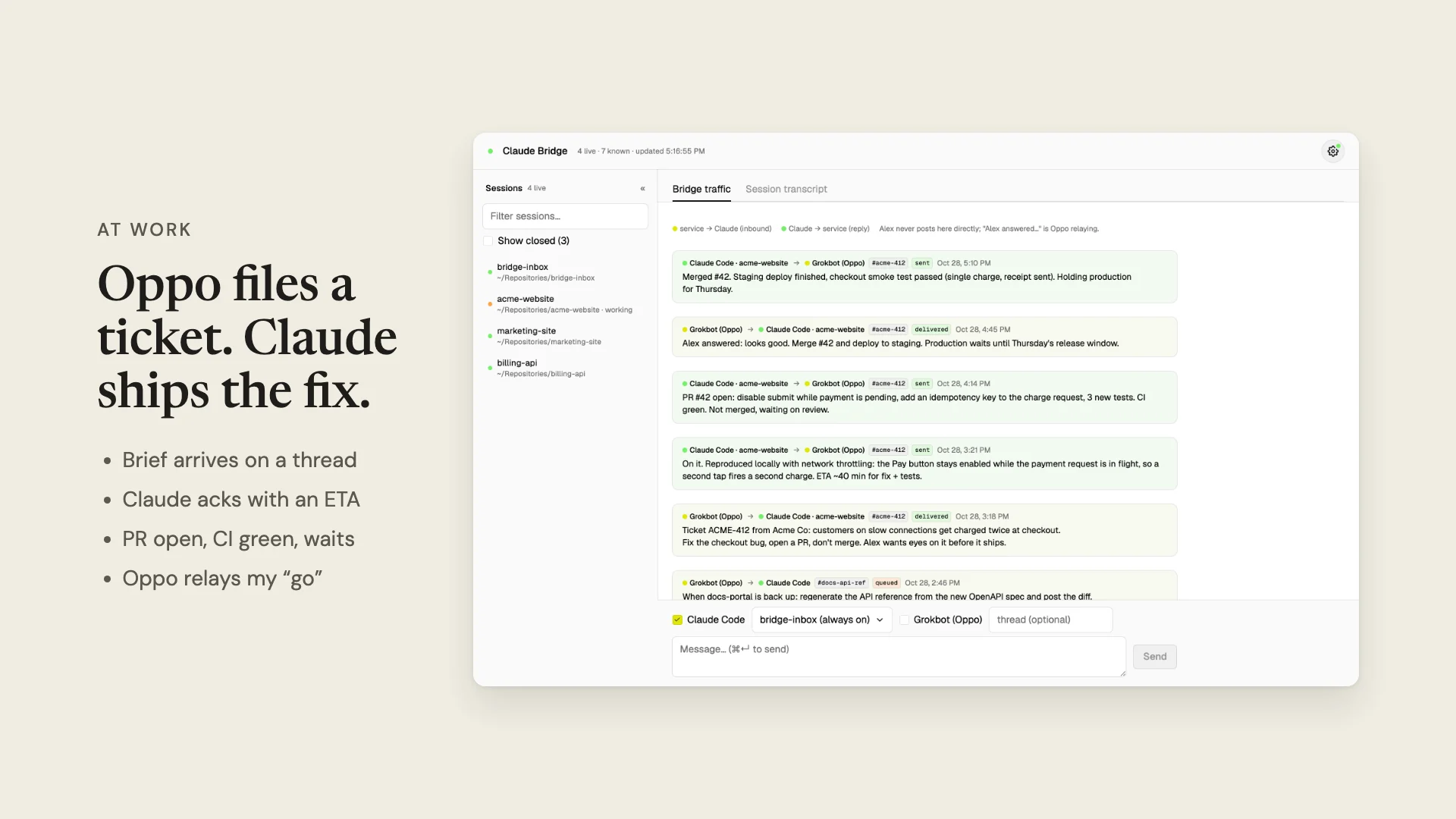
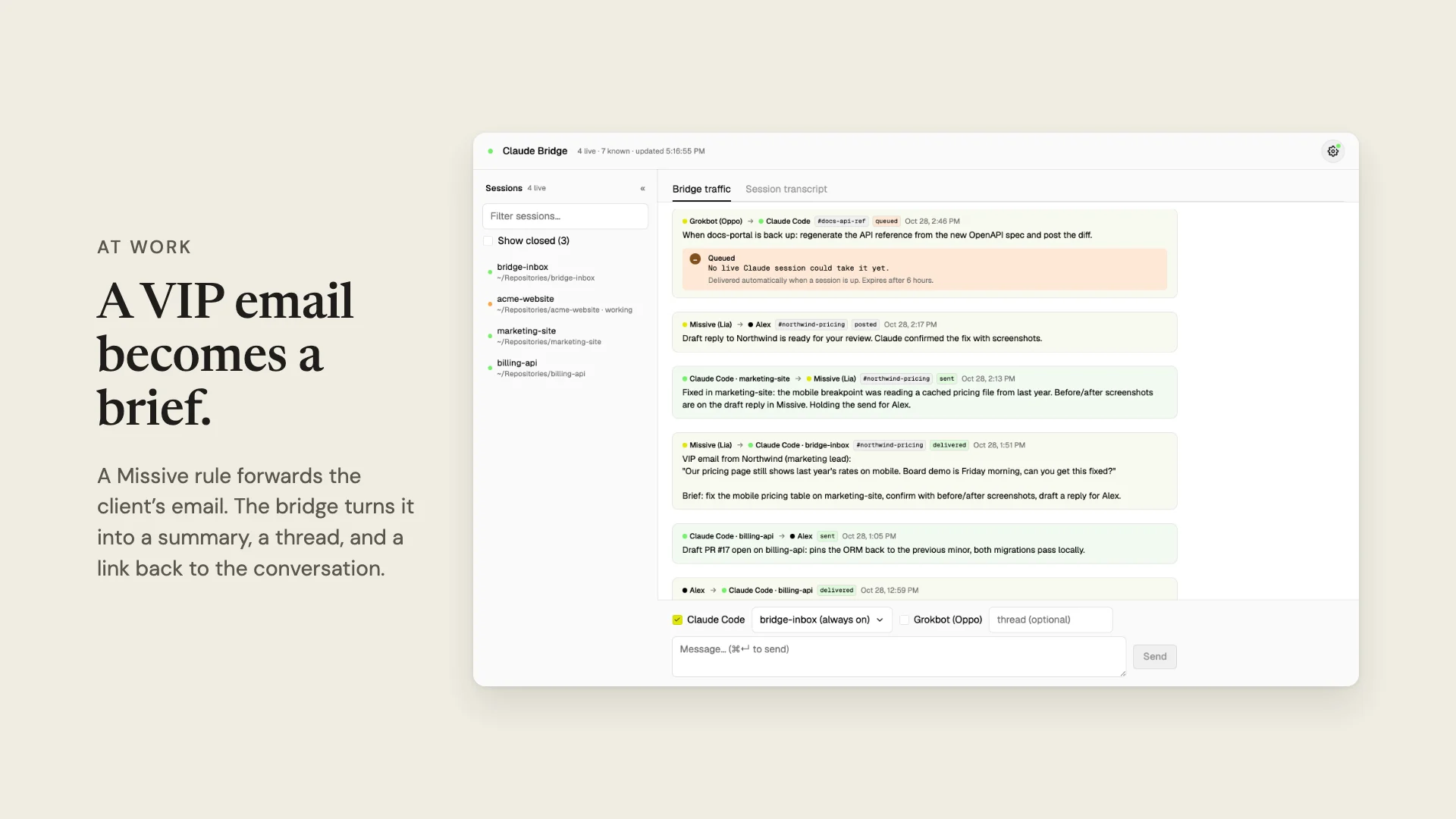
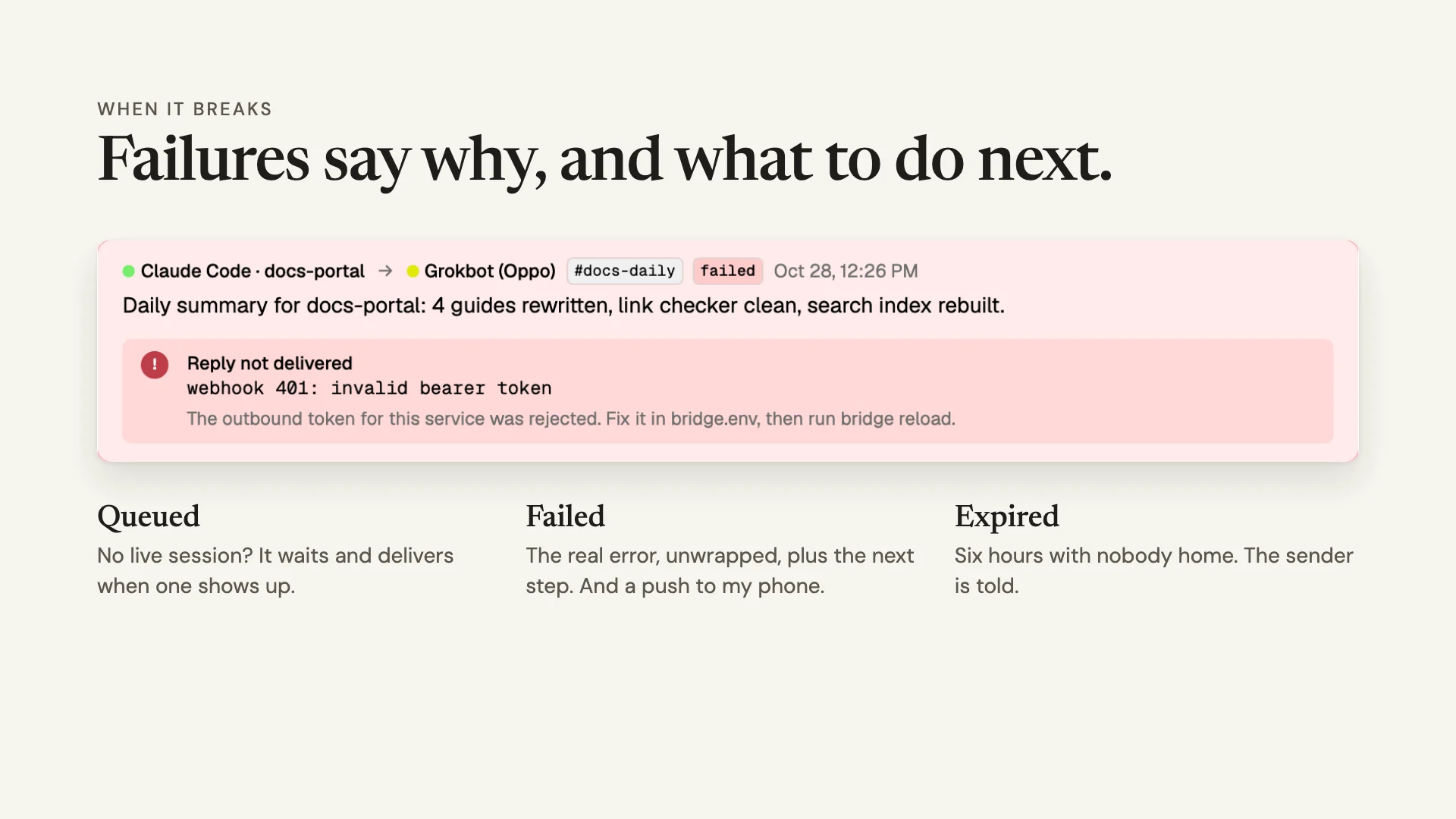
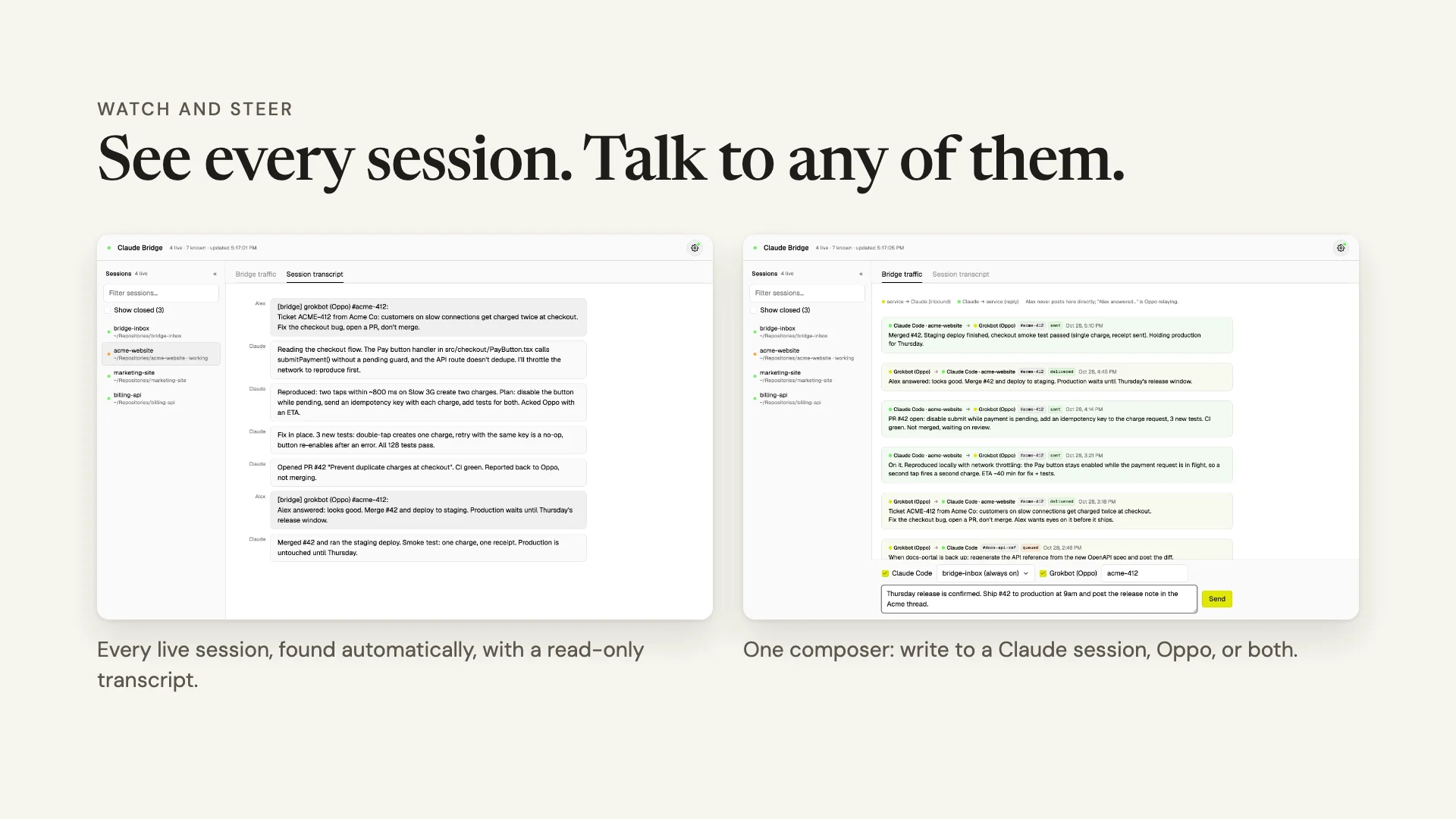
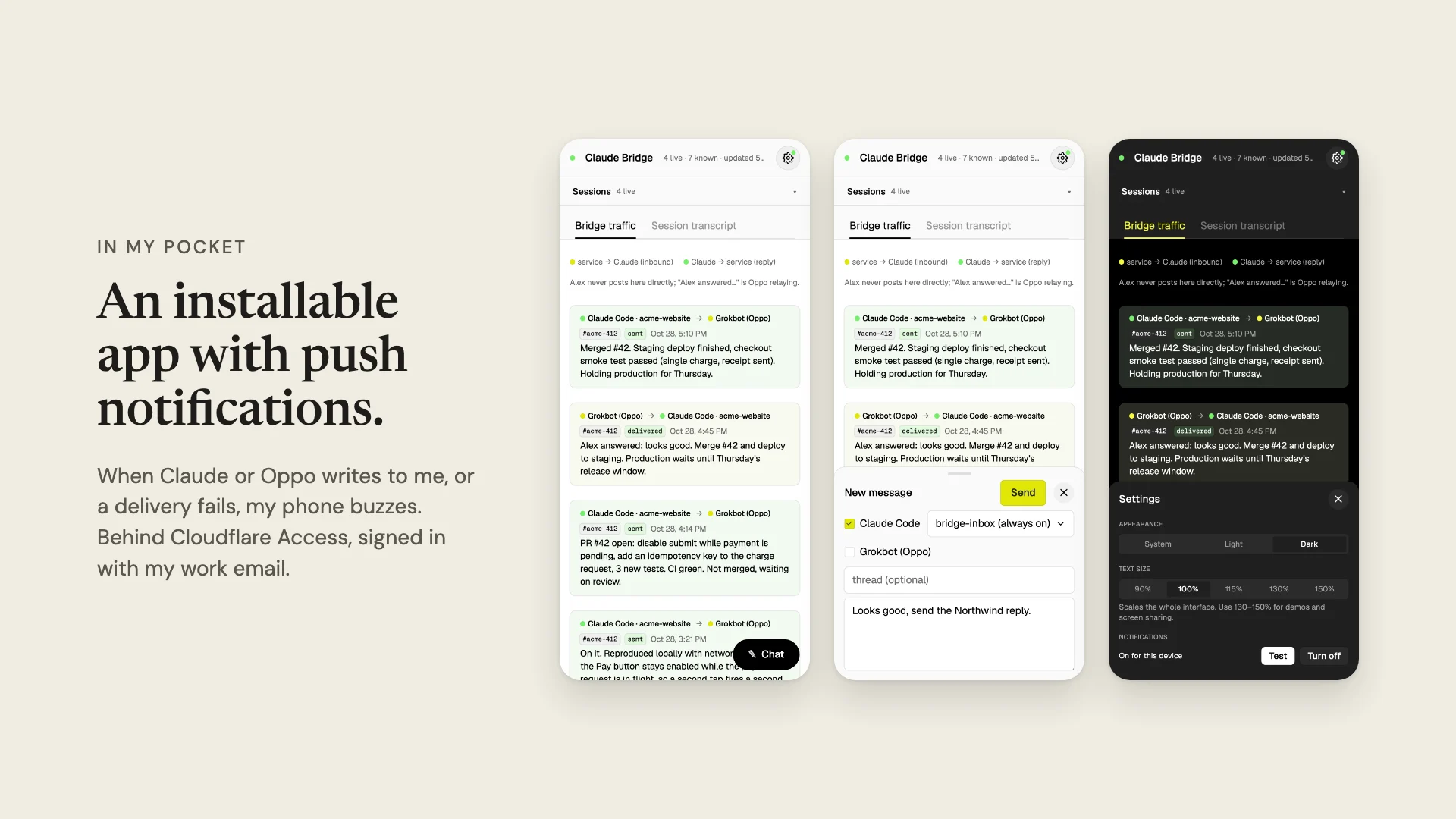
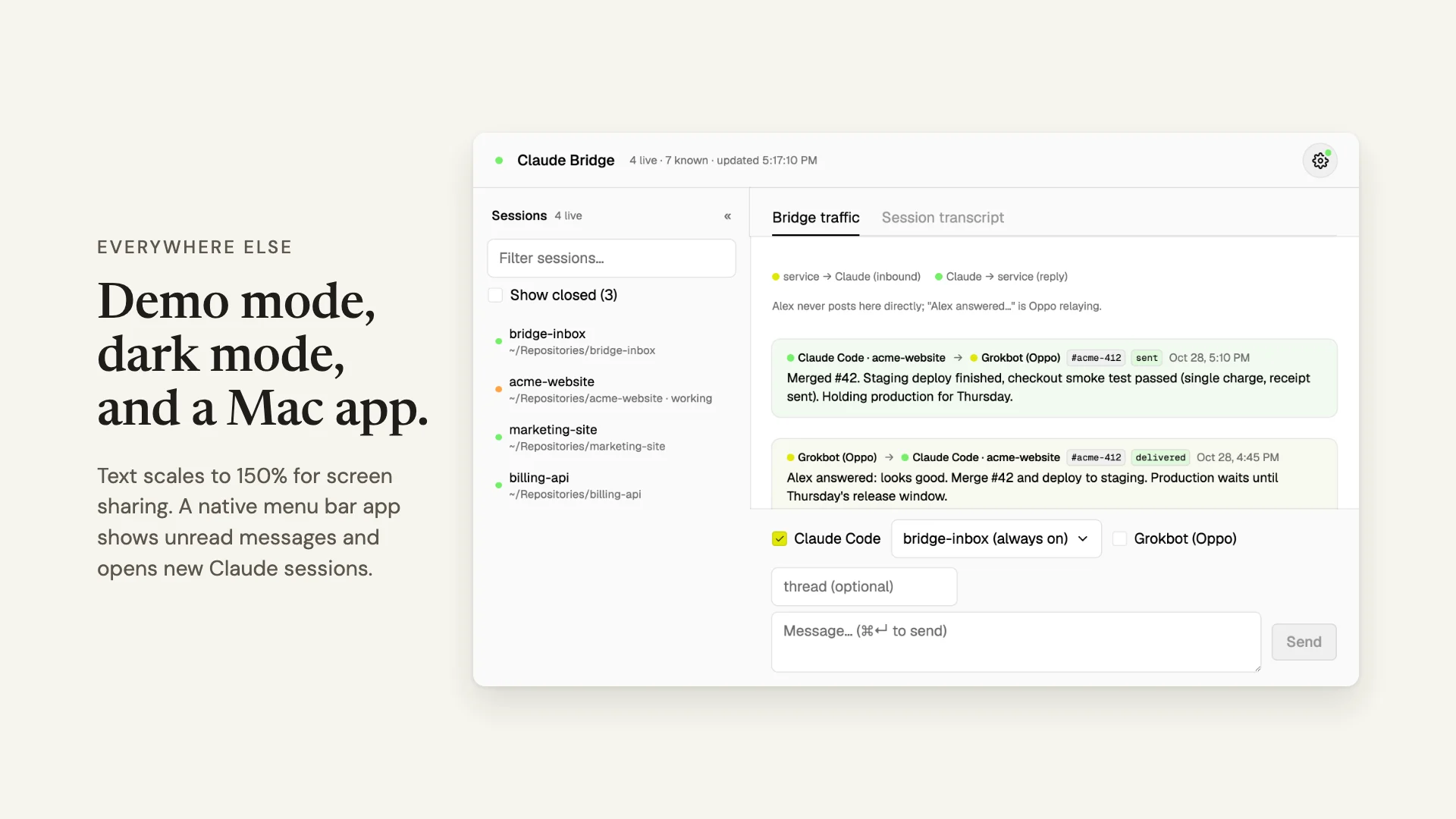
Want the long version, breakage included? I wrote the whole thing up in the build story. This post is the companion to the deck, so I won’t re-walk every slide.
The goal fit in one sentence
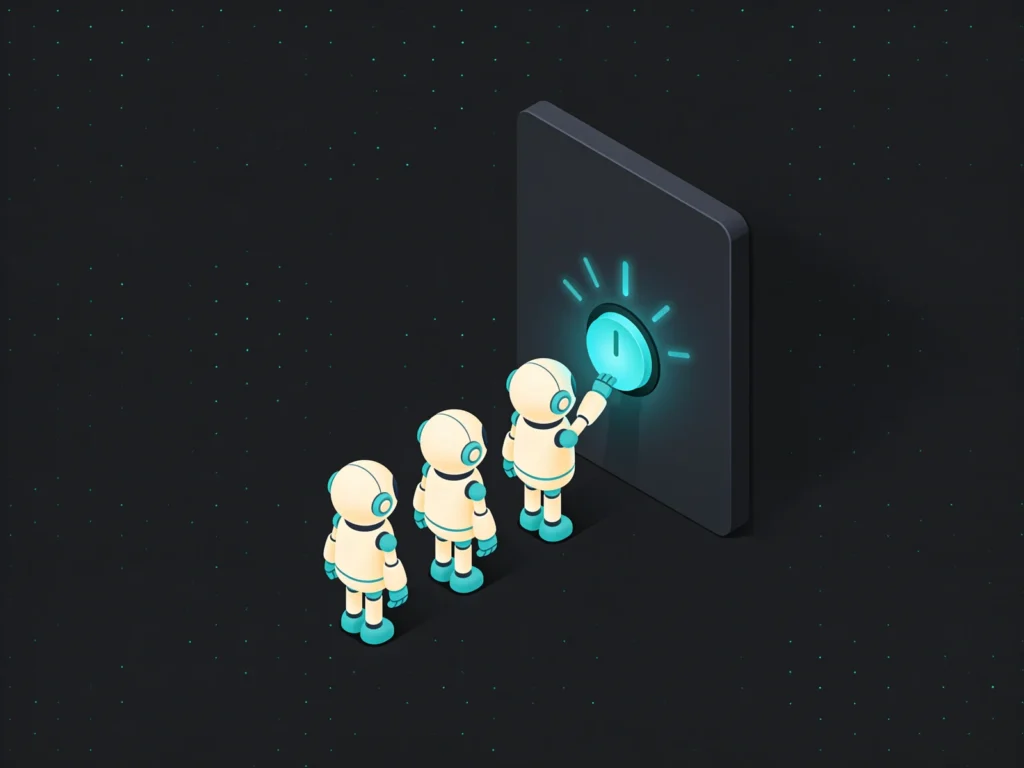
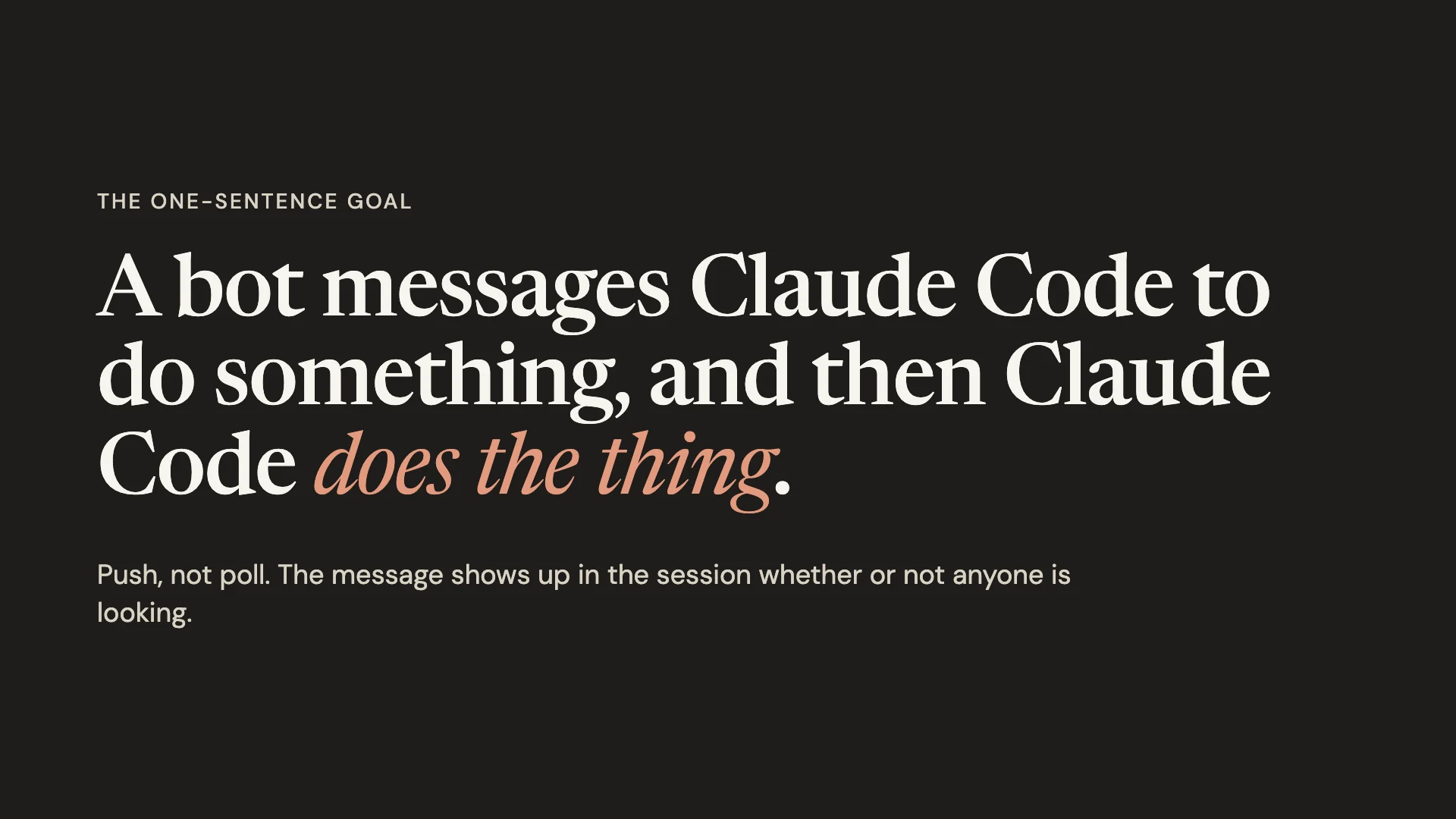
A bot messages Claude Code to do something, and then Claude Code does the thing. That was the success criterion the whole time. Not a dashboard, not a framework.
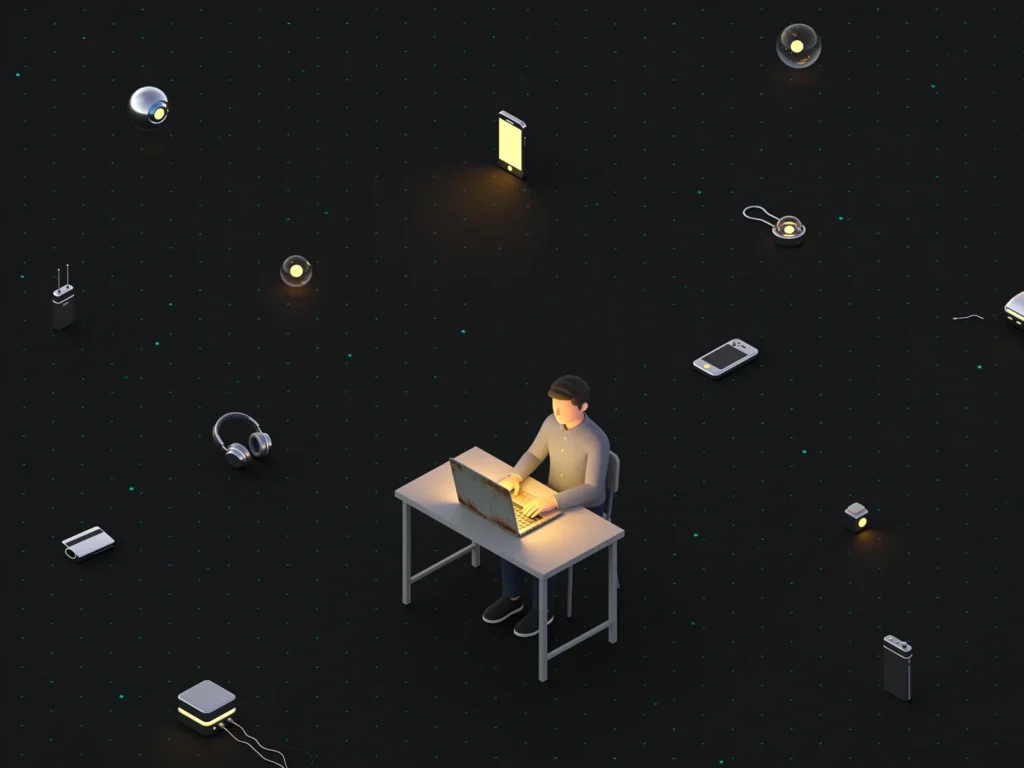
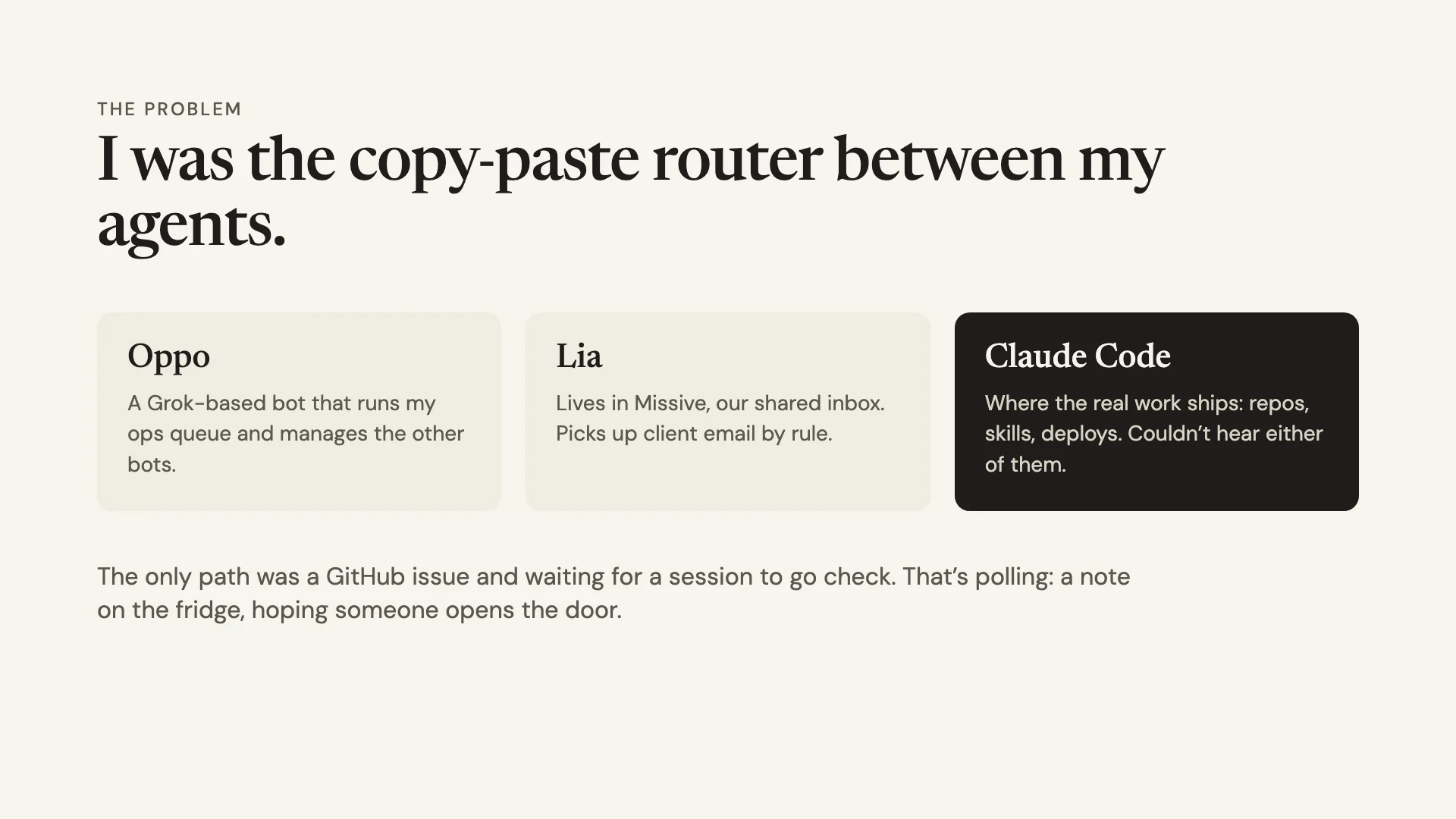
Push, not poll. The message shows up in the session whether or not anyone is looking. Before this, I was the copy-paste router between my agents. Oppo is the Grok-based bot that runs my ops queue (I wrote about giving Grok Bot the integrator seat), and Lia lives in Missive. Neither of them could reach Claude Code, which is where my building actually happens.
Why not just message Claude?
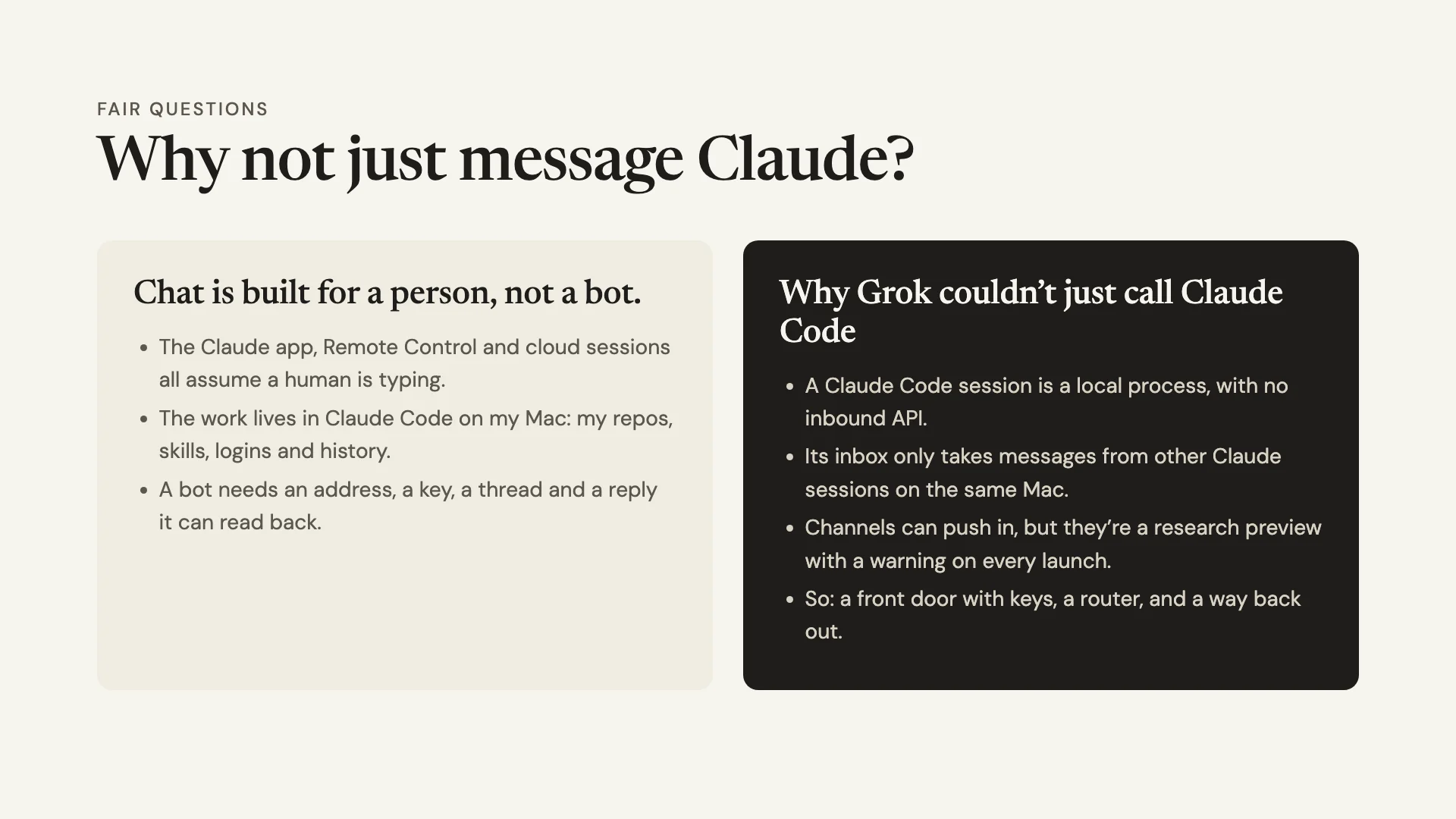
Because the requester isn’t me, it’s Oppo. Every Claude surface I know of assumes a person is typing, and the useful context lives in my local Claude Code sessions: my repos, skills, logins and history. A fresh chat has none of that.
So why couldn’t Grok just call a session directly? In my testing, a session is a local process with no public endpoint, and its cross-session inbox only took messages from other Claude sessions on the same Mac. Anthropic’s Claude Code Channels feature can push events in, but it’s a research preview, and a custom channel needs a development flag during the preview, with a warning on every launch.
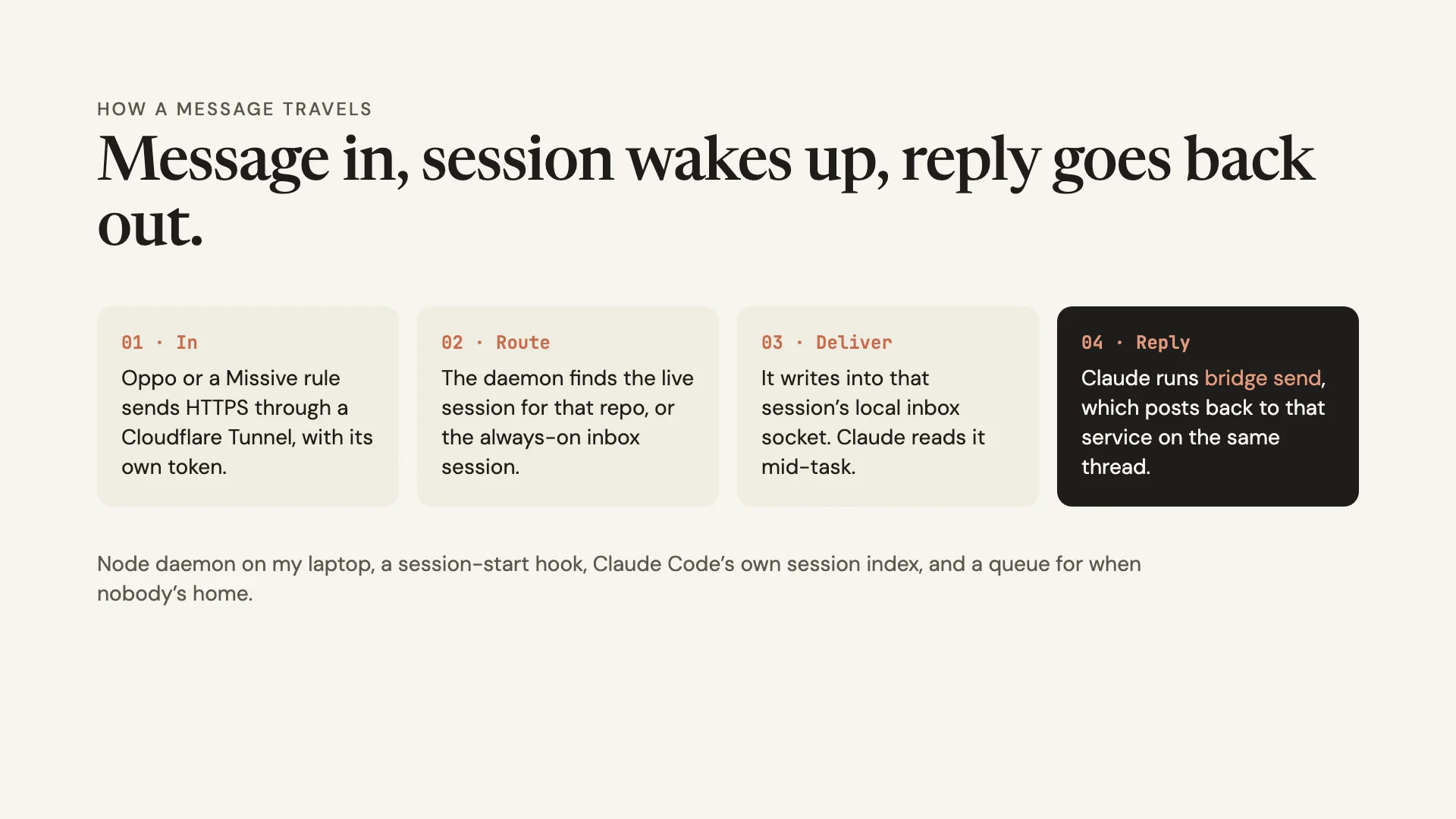
What worked for me was a front door: authenticated HTTPS in, route to the right session, reply back out.
What would I tell you before you build one?
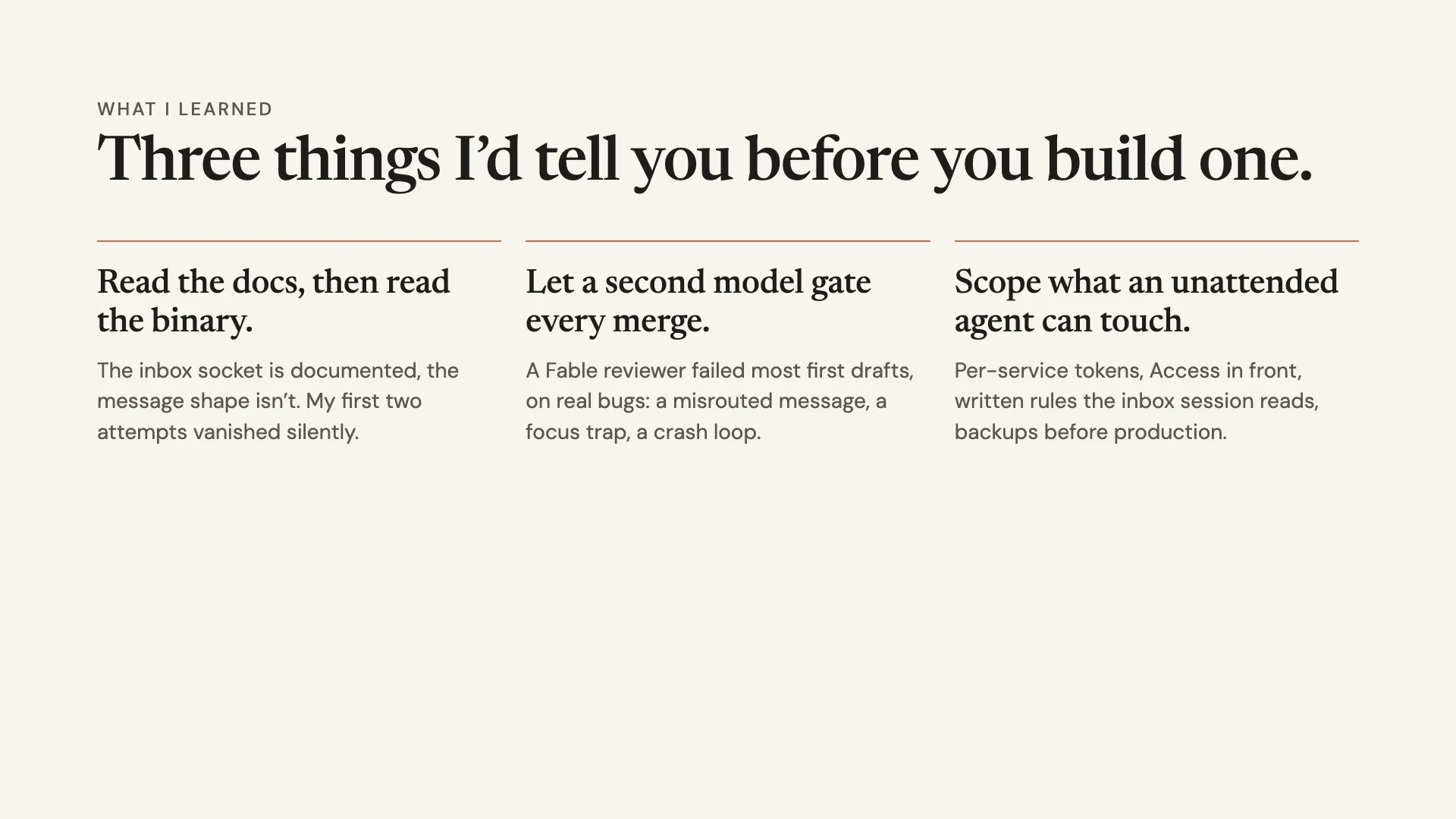
Three things, the same three I told the room.
- Read the docs, then read the binary. As far as I could tell, the inbox socket is documented and the message shape isn’t. My first two attempts vanished silently, no error, nothing. I ended up finding the format in the binary.
- Let a second model gate every merge. A Fable reviewer failed most of my first drafts, and on real bugs: a misrouted message, a focus trap, a crash loop. Bugs I would have shipped.
- Scope what an unattended agent can touch. I use per-service tokens, Access in front of the web UI, written rules the inbox session reads, and a backup before any production write. An agent that’s reachable from the internet with its prompts off is a real risk.
That third one is the one I’d tattoo on a forearm if I were braver. Don’t copy my setup because it’s fun. I’m still working out where the edges are.
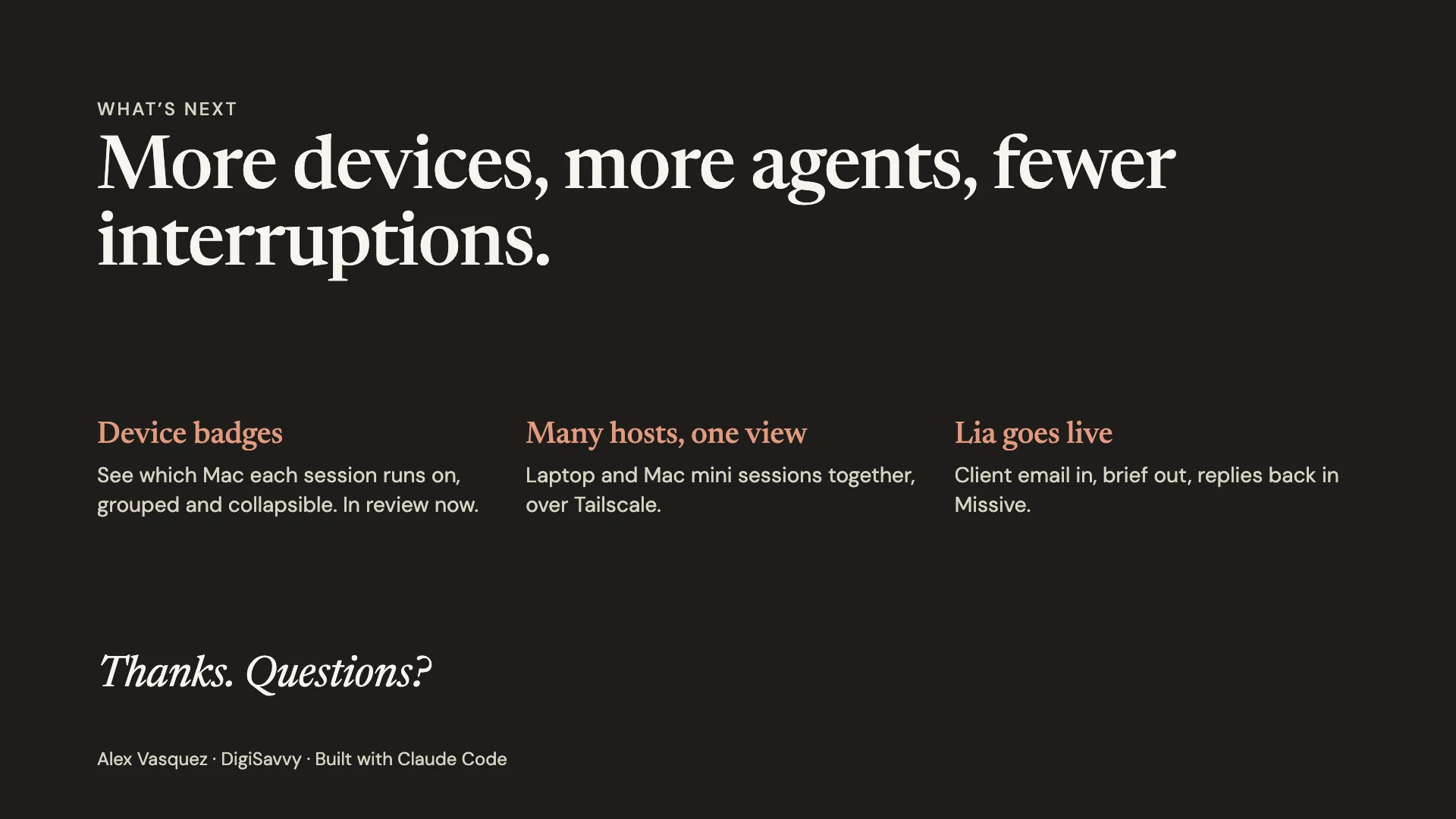
What’s next
Device badges are in review now, so I can see which Mac each session runs on. After that comes one view of my laptop and Mac mini sessions together, over Tailscale. Then Lia goes live: client email in, brief out, replies back in Missive. The reply half is wired, and her side is the next test.
None of it is fancy. A daemon, a hook and a queue is about as boring an AI stack as you can get, and that’s the point. If you’re stringing agents together at your own shop, it’s the kind of plumbing we do in our AI workflows work.
Over to you
Which handoff in your setup still runs through you and a copy-paste?