
How much does a website cost?
Short answer: it depends — on who you hire, where they are, and what you actually need. Long answer: this guide. I walk small-business owners through this all the time over at the SBDC, so I finally wrote it down. No jargon, no pitch — just what I’d tell a friend.
Why we wrote this
Here’s how it usually goes. I’m over at the SBDC — the Small Business Development Center — and someone pulls me aside. They’ve got a website project in flight, and they’re frustrated. “Alex, I’m working with these designers, these developers… and I don’t know what to ask them. Worse, they keep asking me things I don’t have answers to. Am I supposed to know all this?”
Short version: no. You’re not supposed to know it. That’s the job you’re paying someone else to do. But a little context goes a long way — it’s the difference between a project that drags on for months and one that actually gets done.
So this is that conversation, written down. What to ask, who to hire, what it costs, and how to not get burned. Grab a coffee — let’s do the thing.
What you actually need to know
Let’s get this out of the way: you don’t need to become a designer. You don’t need color theory, or conversion-rate optimization, or to know what a “hero section” is. Not your job.
What you do need is to know what you want — and to be able to say it out loud. “I want people to call me.” “I want to sell these three things.” “I want it to feel calm, not loud.” That’s enough to start.
And here’s the part that’s genuinely new: you’ve got help now. Tools like ChatGPT and Claude are surprisingly good at translation. A developer sends you a wall of feedback full of words you don’t recognize? Paste it in and ask, “What is this person actually asking me, and how should I answer?” Stuck describing what you want? Talk to the AI like a friend and let it tidy your thoughts into something you can hand over. You don’t have to speak fluent designer anymore. You just have to know your business — and you already do.
- What you want visitors to do. Call, buy, book, sign up — pick the one that matters most.
- What you’ve already got. Logo, photos, copy, a brand — or none of it. Both are fine; just say which.
- A rough budget. Even a ballpark. It saves everyone a week of guessing.
- Who actually decides. If it’s a committee, say so up front. It changes everything.
Who you hire matters
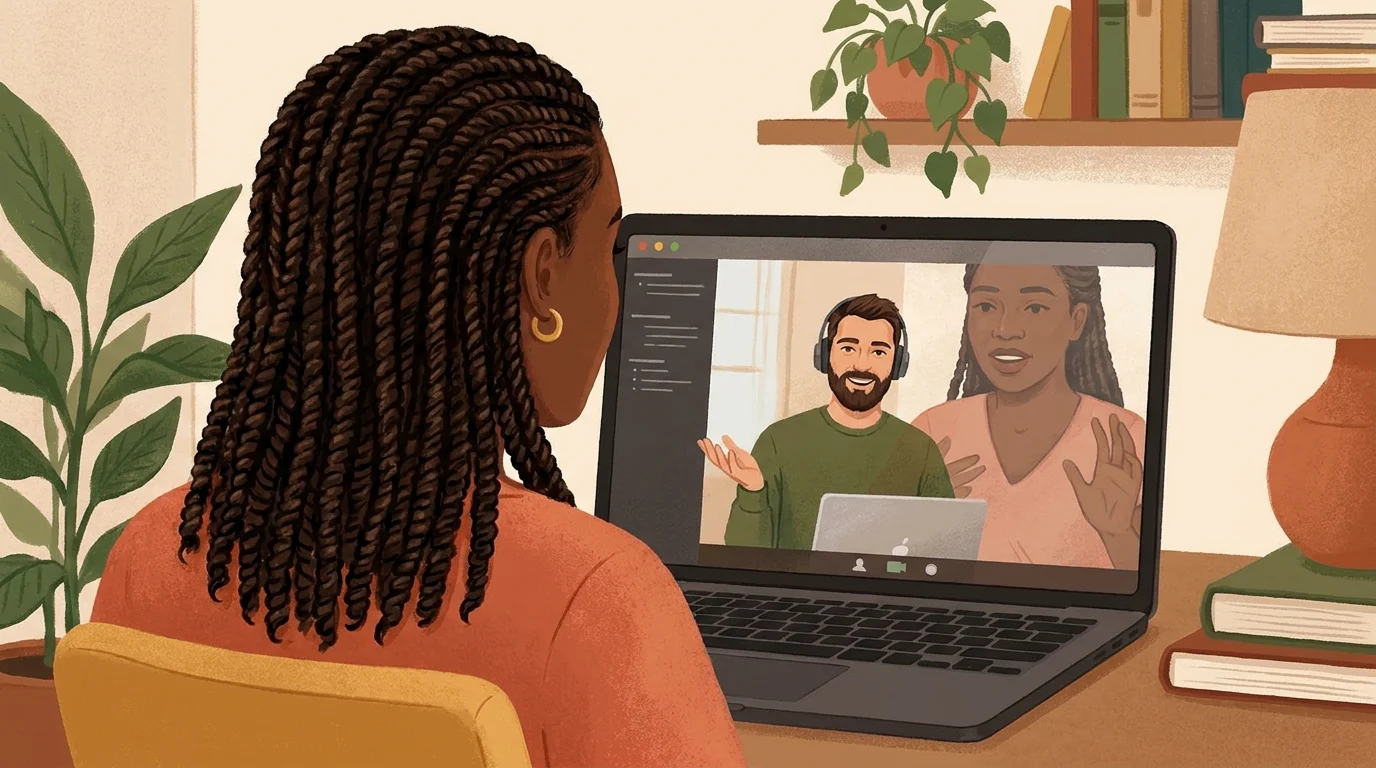
Think of it like this: the kind of person you want to work with is not just someone who builds and designs the thing. You also want them to understand business; bonus points if they understand you’re a business. And think of them as a guide. They should be comfortable with being your guide. You are Luke Skywalker, and you’re in a galaxy far, far away, and you’re like, what’s a website? You want the person that you’re working with to understand what all that is. I’ve always thought of myself as my client’s guide. If you’ve read enough and you want to talk to a guide, get in touch and let’s talk!
Before we talk dollars, let’s talk about who’s on the other end of the email — because that shapes the price, the timeline, and honestly your sanity. A few flavors:
Offshore — the cheapest seats
You can absolutely pay an emerging-economies rate and save real money. I won’t pretend otherwise. But there’s a trade, and it’s usually your sleep. You’re hopping on calls at odd hours, things get lost in translation, and a back-and-forth that should take an afternoon takes a week. Sometimes it works out great. Sometimes you pay twice — once for the cheap version, once to fix it. Go in with eyes open.
Nearshore — closer to home
Nearshore means folks working in or near your time zone. The hours line up, communication gets a lot easier, and you’re not sacrificing your evenings. You still need to know what you want and say it clearly — but the gap between “what I meant” and “what got built” shrinks a lot.
Local — same hours, same shorthand
Usually the priciest seat, and usually the easiest to work with. Same language, same time zone, same cultural shorthand. For a lot of small businesses, the time you save (and the headaches you don’t collect) is worth the premium. For others it’s overkill. Depends on the project.
And remember the AI trick from a minute ago — it quietly makes every one of these easier. Better questions going in, clearer answers coming out, no matter where your team sits.
Ways to build a website
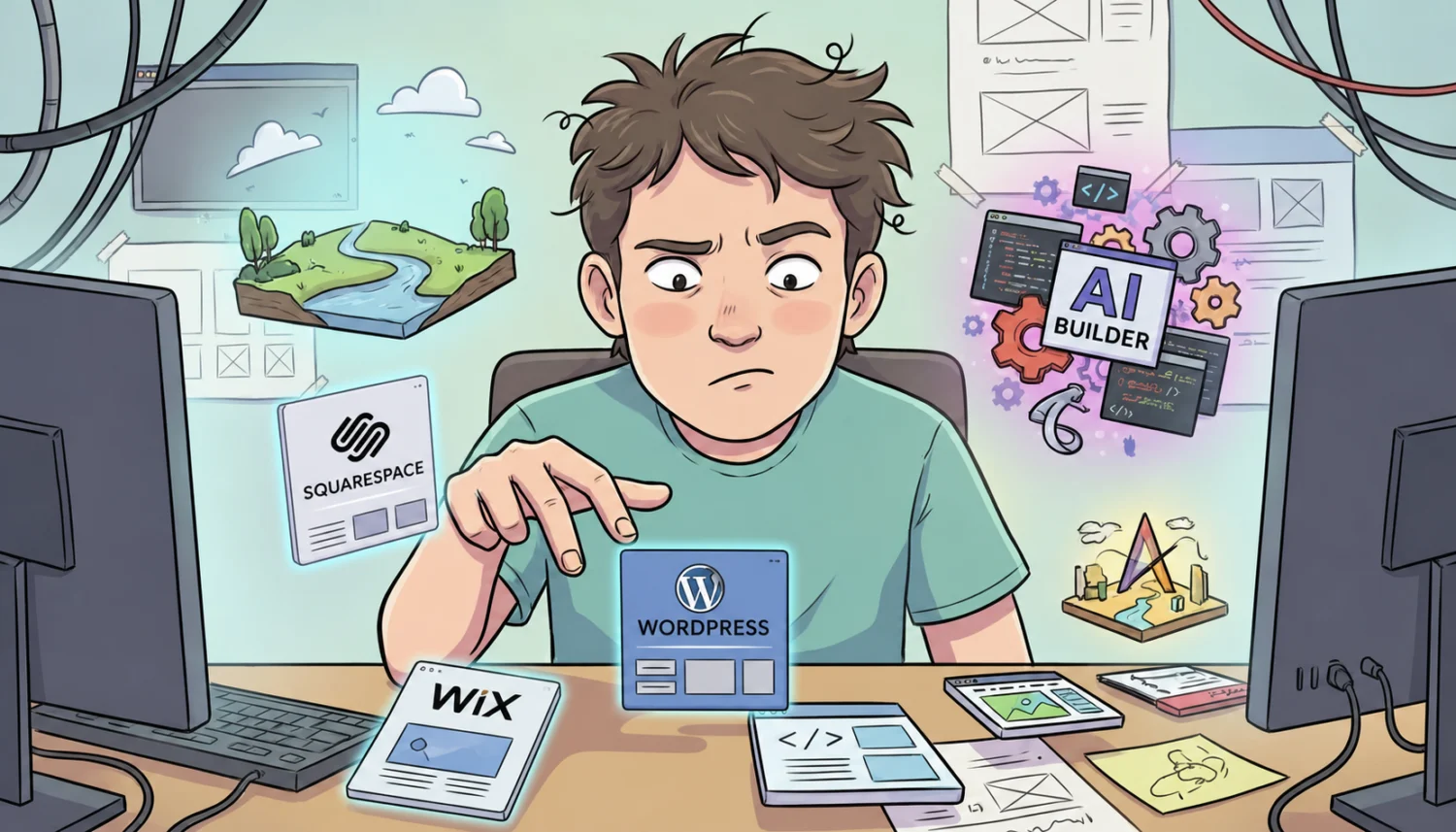
Okay — how do you actually build the thing? There’s a whole spectrum, from “I’ll knock it out this weekend” to “please, someone, take this off my plate.” Here’s the lay of the land.
Hosted builders — Wix, Squarespace, Shopify
The sign-up-and-start-dragging tools. Wix is the most flexible of the bunch and has gotten genuinely good — nice for a small business that wants control. Squarespace is the design-forward one: gorgeous templates, a little more opinionated, lovely for portfolios, restaurants, and brands that care how they look. Shopify isn’t really a website builder — it’s a store. If selling products online is the whole point, it’s hard to beat. The trade across all three: you’re renting, not owning, and you’ll hit a ceiling if your needs get specific.
AI website builders
The new kids. Tools like GoDaddy Airo, Wix’s AI, Hostinger, and Durable will spin up a whole site from a few questions in minutes. Genuinely impressive for getting something live fast. Will they win a design award or handle anything unusual? Not yet. But for a brochure site you needed yesterday, they’re a real option.
Self-hosting — the WordPress route
The “you own everything” path: WordPress on your own hosting. The most flexible and most powerful, and also the most technical. It’s where we live, honestly — overkill for some folks, exactly right for others. If you want a platform that can grow into anything and you don’t want to be locked in, this is it — but you’ll either learn some things or hire someone who already has.
A freelancer who actually knows what they’re doing
Hire a pro and those AI builders get more interesting, not less — a good freelancer uses the tools to move faster, not to cut corners. You get speed and a human who can make judgment calls. The trick is finding a good one. Which brings us to…
Freelance marketplaces — Upwork, FreeUp
Sites like Upwork and FreeUp.net are where a lot of freelancers live. You can find great people there — and not-great people there. The platform isn’t the filter. You are. More on that in a minute.

What it actually costs
Alright — the question you came for. Real ranges, for a typical small-business site. Yours could land higher or lower depending on what you need, but this is the shape of it:

$500 – $1,500
Entry level. New freelancers, marketplace gigs, DIY-with-help. Fine for a simple site if you’re hands-on and patient. Set your expectations and you can do okay here.

$1,500 – $3,500
A step up. More experience, fewer surprises, a bit more polish. A common landing spot for a solid small-business site that does its job.

$5,000 – $10,000
The pros. Experienced freelancers and small shops with real portfolios and reviews. You’re paying for judgment, reliability, and not having to manage them. Often the sweet spot for a business that’s serious.

$10,000 and up
Agencies. A team, a process, and the overhead to match — more capability, more hands, more accountability, bigger invoice. Right when the project is big or the stakes are high; overkill when they’re not.
Should you do it yourself?
Sometimes the right answer is: build it yourself. Really. If the site is simple, the budget is tight, and you’ve got a little patience, the tools above will get you there. No shame in it. If you’re willing to put in the sweat equity, the answer to whether it’s worth it is always a resounding YES!
But DIY has a hidden price tag — your time and your attention. Here’s how I’d decide:
- How simple is it, really? A few pages and a contact form? DIY-able. Bookings, memberships, a store, integrations? Get help.
- What’s your time worth? The weekend you spend wrestling with a page builder is a weekend you’re not running your business.
- How much does it need to perform? A site that just has to exist is a very different thing from one that has to sell.
- Will you actually finish? Be honest. A half-built site that’s been “almost done” for six months is the most expensive site there is.
How to vet the person you hire
This is the part most people skip, and it’s the part that saves you. Whoever you’re considering — agency, freelancer, your nephew — run them through the same checks.
- Can they speak to the work? Not just show pretty pictures — explain the decisions. Why this layout, why that flow. Anyone can buy a template; a pro can tell you why.
- Can they show it, live? A real portfolio of real sites. Click through them. Do they still work?
- Do they have reviews? And not only the hand-picked ones on their own homepage.
- Will they let you call past clients? This is the big one. Ask for referrals you can actually talk to. A good one says “sure, here are three.” If they get squirrely, that’s your answer.
- Hiring off Upwork? Read the whole body of work, then interview them like a hire. Ask what they’re great at — and what they’re not. The ones who can name their own weak spots are usually the ones worth hiring.
Want a second opinion on your project?
That’s pretty much what I do at the SBDC, and it’s what we do here. If you’re staring down a website project and you’re not sure who to trust or what to ask, talk to us. No pitch — just a straight read on what you need.
Start a project →